How to Optimize Your Gaming Setup
Discover essential tips and tricks to enhance your gaming setup for optimal performance and an immersive experience.
Assess Your Needs and Budget
The first step to optimizing your gaming setup is to assess your needs and budget. Determine what types of games you play most frequently and what kind of performance you require. For instance, if you primarily play graphically intensive games, you will need a powerful GPU and CPU. On the other hand, if you enjoy indie or less demanding games, a mid-range setup might suffice. Your budget will also play a crucial role in your decisions. Allocating funds wisely between components like the graphics card, processor, RAM, and peripherals can ensure you get the best performance for your money. Don't forget to factor in the cost of a reliable power supply and a cooling system to maintain your setup's longevity.
Choose the Right Hardware
Once you've assessed your needs and budget, the next step is to choose the right hardware. Start with the core components: the CPU and GPU. For gaming, a high-performance GPU is often more critical than the CPU, but both should be well-matched to avoid bottlenecks. RAM is another important consideration; 16GB is typically sufficient for most gaming scenarios, but more demanding setups might benefit from 32GB. Storage options like SSDs can drastically reduce load times compared to traditional HDDs. Lastly, consider your motherboard and ensure it supports future upgrades. Compatibility between components is key, so double-check specifications before purchasing.
Optimize Your Display and Audio
Your display and audio setup can significantly impact your gaming experience. Monitors with high refresh rates (120Hz or higher) and low response times (5ms or less) provide smoother visuals, especially in fast-paced games. Resolution is also important; while 1080p is standard, 1440p or 4K can offer more detailed images if your hardware can support it. For audio, investing in a good pair of gaming headphones or speakers can enhance immersion. Features like surround sound and noise-canceling capabilities can make a big difference. Don't overlook the importance of a quality microphone if you play online multiplayer games and need clear communication with teammates.
Arrange Your Physical Setup
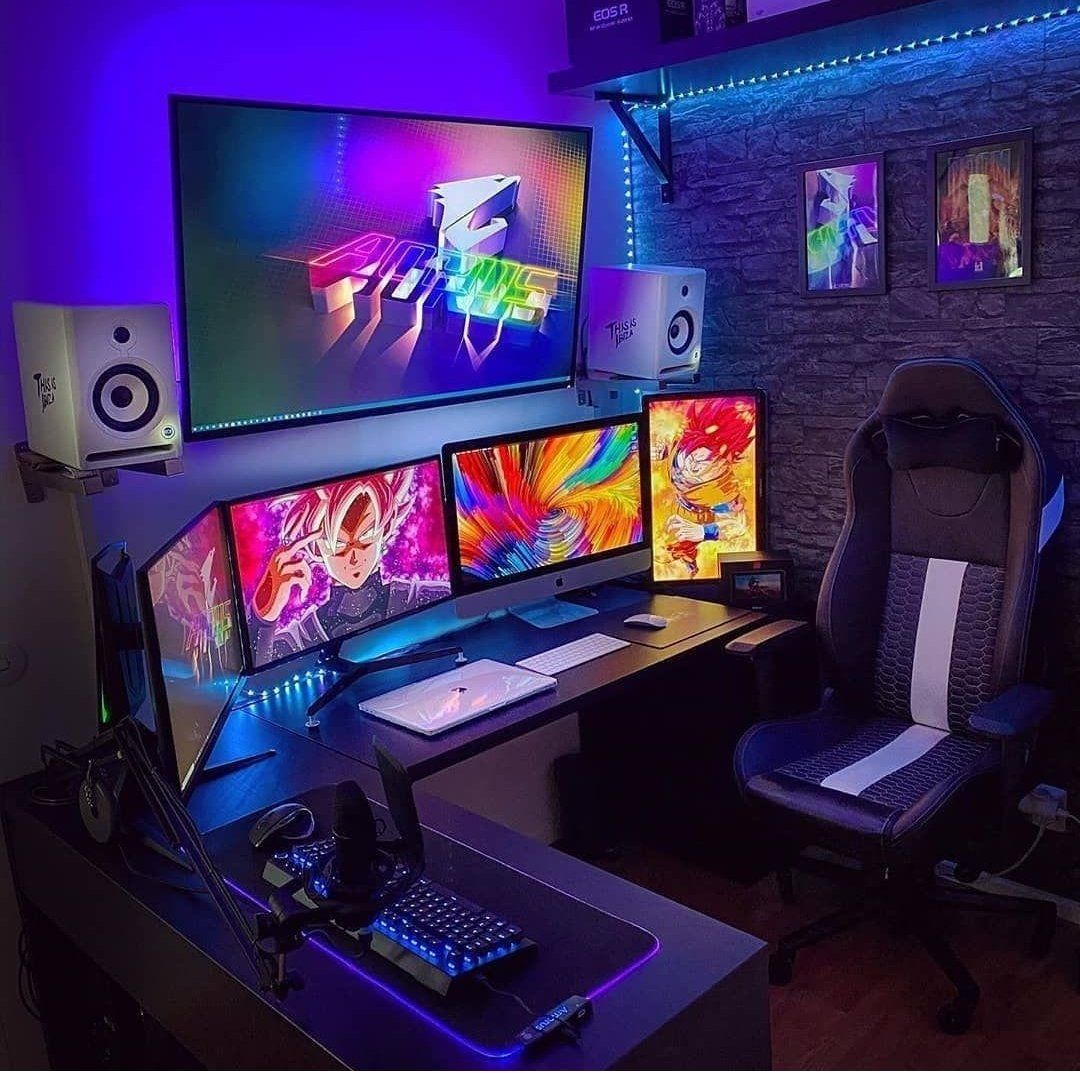
Optimizing your gaming setup isn't just about hardware; the physical arrangement is equally important. Start with a comfortable chair that provides good back support to prevent strain during long gaming sessions. Your desk should be spacious enough to accommodate all your equipment without feeling cluttered. Cable management is essential for both aesthetics and functionality; use cable ties or sleeves to keep everything organized. Position your monitor at eye level to reduce neck strain and ensure your peripherals like the keyboard and mouse are easily accessible. Adequate lighting can also enhance your gaming experience, so consider adding some ambient or RGB lighting to your setup.
Maintain and Upgrade Regularly
Lastly, maintaining and regularly upgrading your setup is crucial for long-term performance. Dust can accumulate inside your PC, leading to overheating and reduced efficiency, so clean it periodically. Keep your drivers and software up to date to ensure compatibility and optimal performance. Monitor the health of your components with tools that check for issues like thermal throttling or failing hardware. When it's time for an upgrade, prioritize components that will offer the most significant performance boost. For example, upgrading your GPU or adding more RAM can provide noticeable improvements. Staying informed about the latest technology trends can help you make smart decisions when it comes to future upgrades.